
Electronic Invoicing (DGI) in Panama
NAOS is natively integrated with Aludra for submitting electronic receipts to Panama’s Direccion General de Ingresos (DGI).
📋 Initial Requirements
Before you start issuing electronic invoices, make sure you have:
- P12 Certificate: Your electronic signature certificate loaded on the terminal.
- Terminal Configuration: The
dNroDF(consecutive number) synchronized with the system. - Taxpayer Type: Correctly configured in the admin portal (FE-Panama).
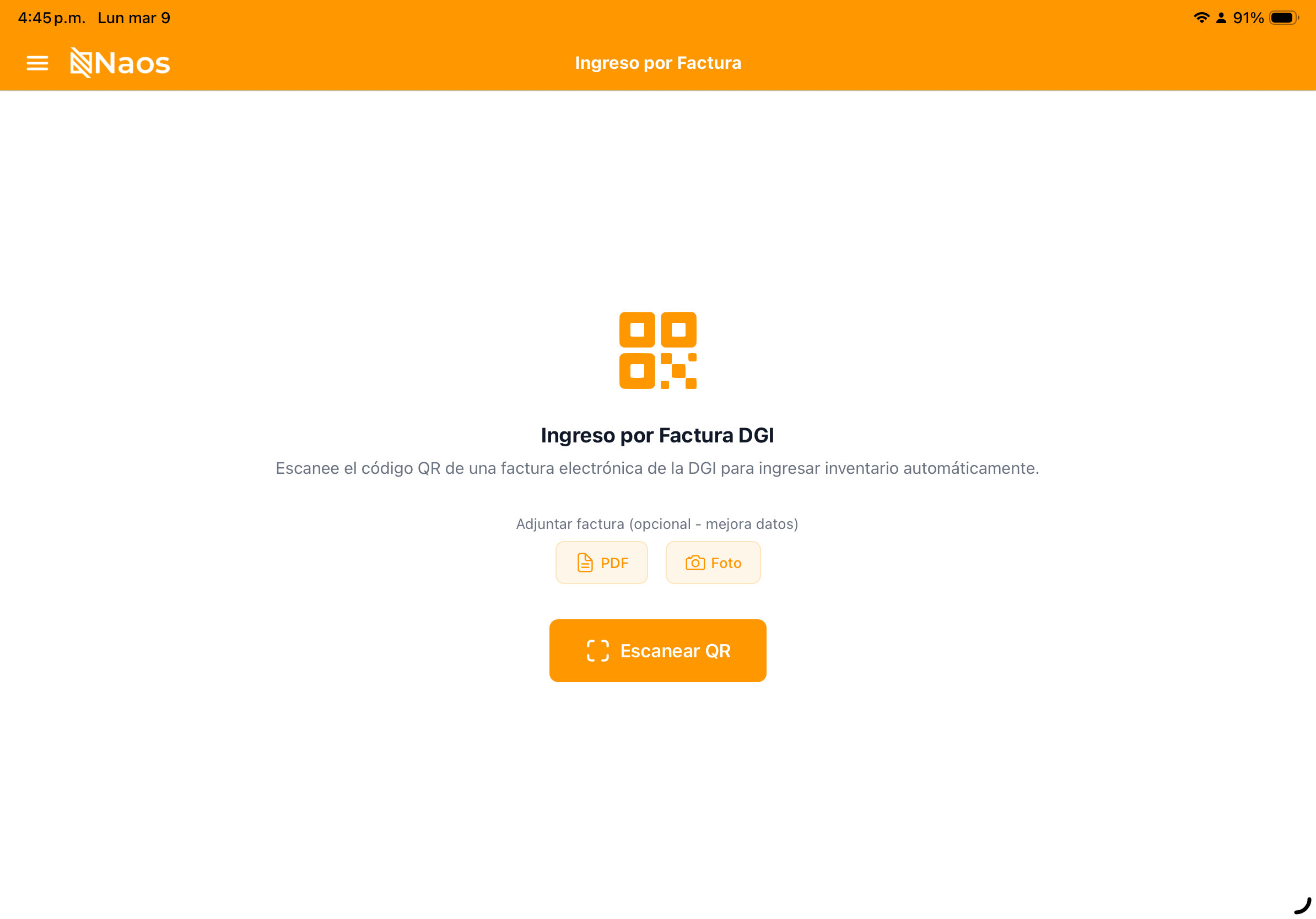


📊 Invoice Statuses
In the Invoices module, each transaction will display a DGI status:
- 🟢 Accepted (0920): The invoice was received and validated by the DGI. The CUFE was generated successfully.
- 🟡 Pending: The invoice was signed locally but is queued for submission to Aludra.
- 🔴 Submission Error: There was a connection or validation issue (e.g., invalid RUC or expired certificate).
🛠️ Troubleshooting
Invoice stuck on “Pending”
This commonly happens due to lack of internet connectivity. NAOS is offline-first, so the invoice is saved locally and will be sent automatically once the connection is restored.
Validation Error (Aludra)
- Click on the invoice with the error.
- Read the DGI error message (e.g., “Invalid Security Code”).
- Correct the data in the customer record or in the configuration.
- Press “Retry Submission”.
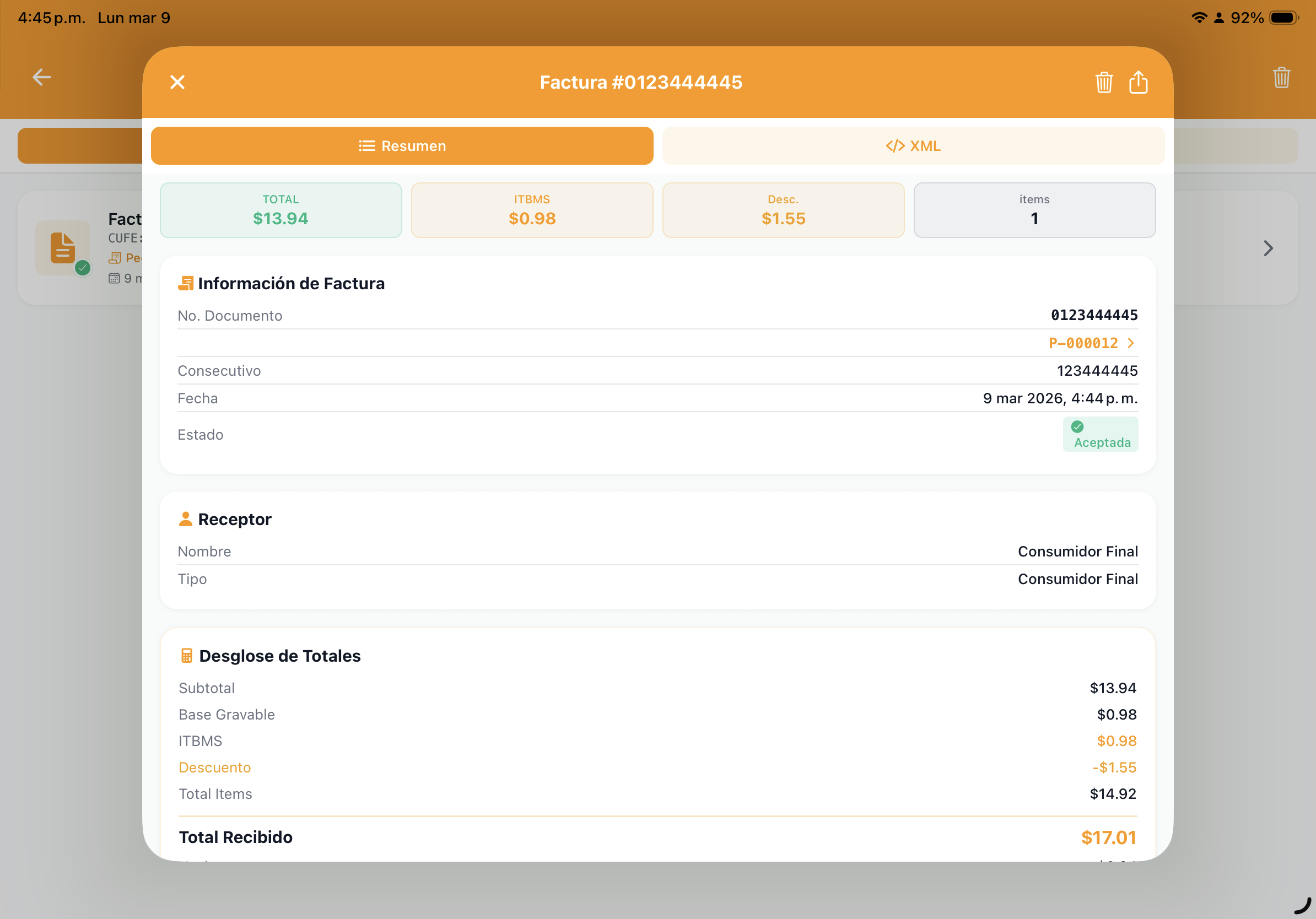
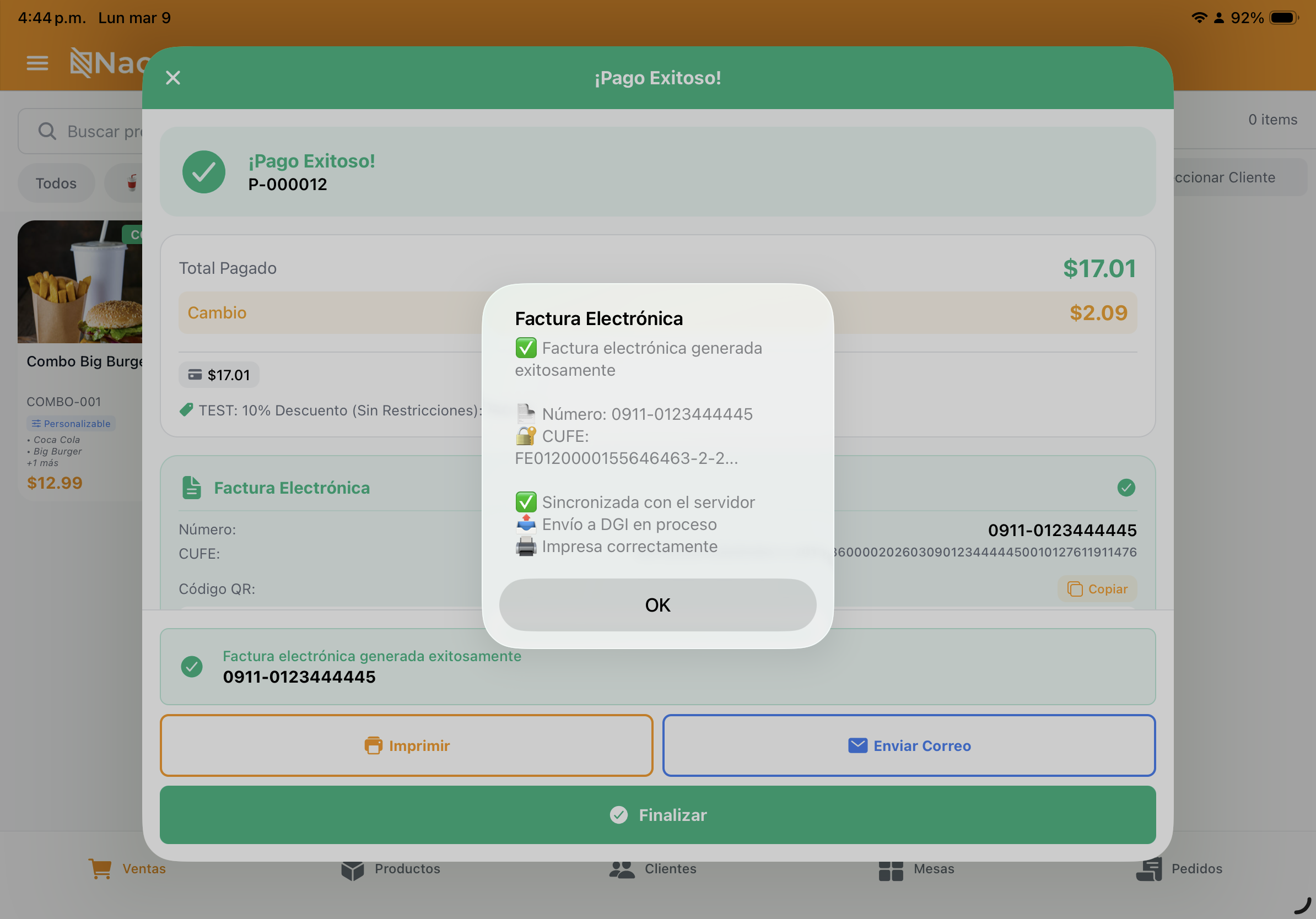
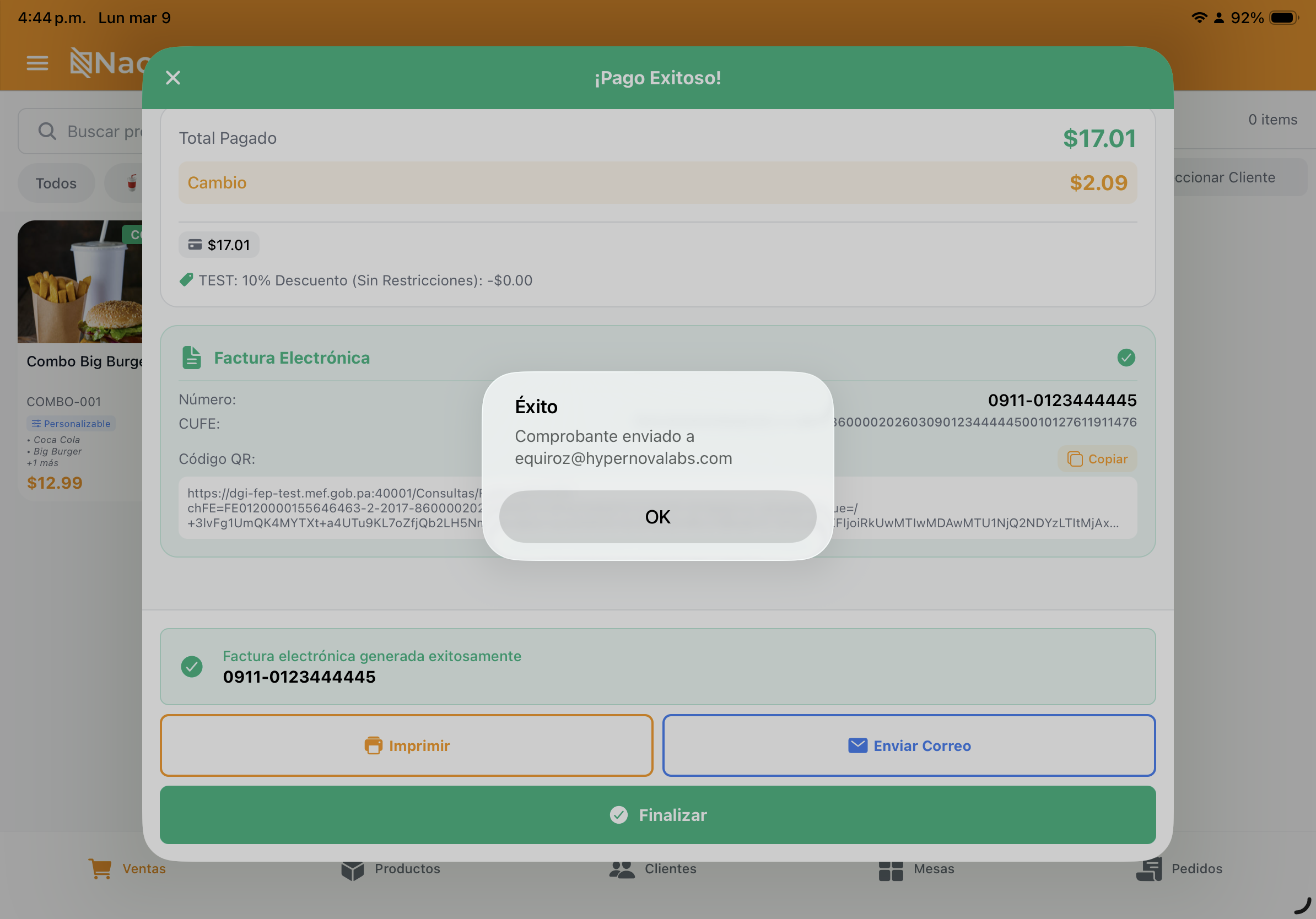
📄 How do I print the receipt?
You can print the fiscal receipt at any time from the invoice history. The system will generate a thermal-optimized format with the required QR code.