
Cash Closings & Fiscal Reports
Proper cash closing management ensures that your accounting matches what is reported to the DGI and that the cash in your drawer is correct.
Types of Closings in NAOS
NAOS has two types of closings that serve different purposes:
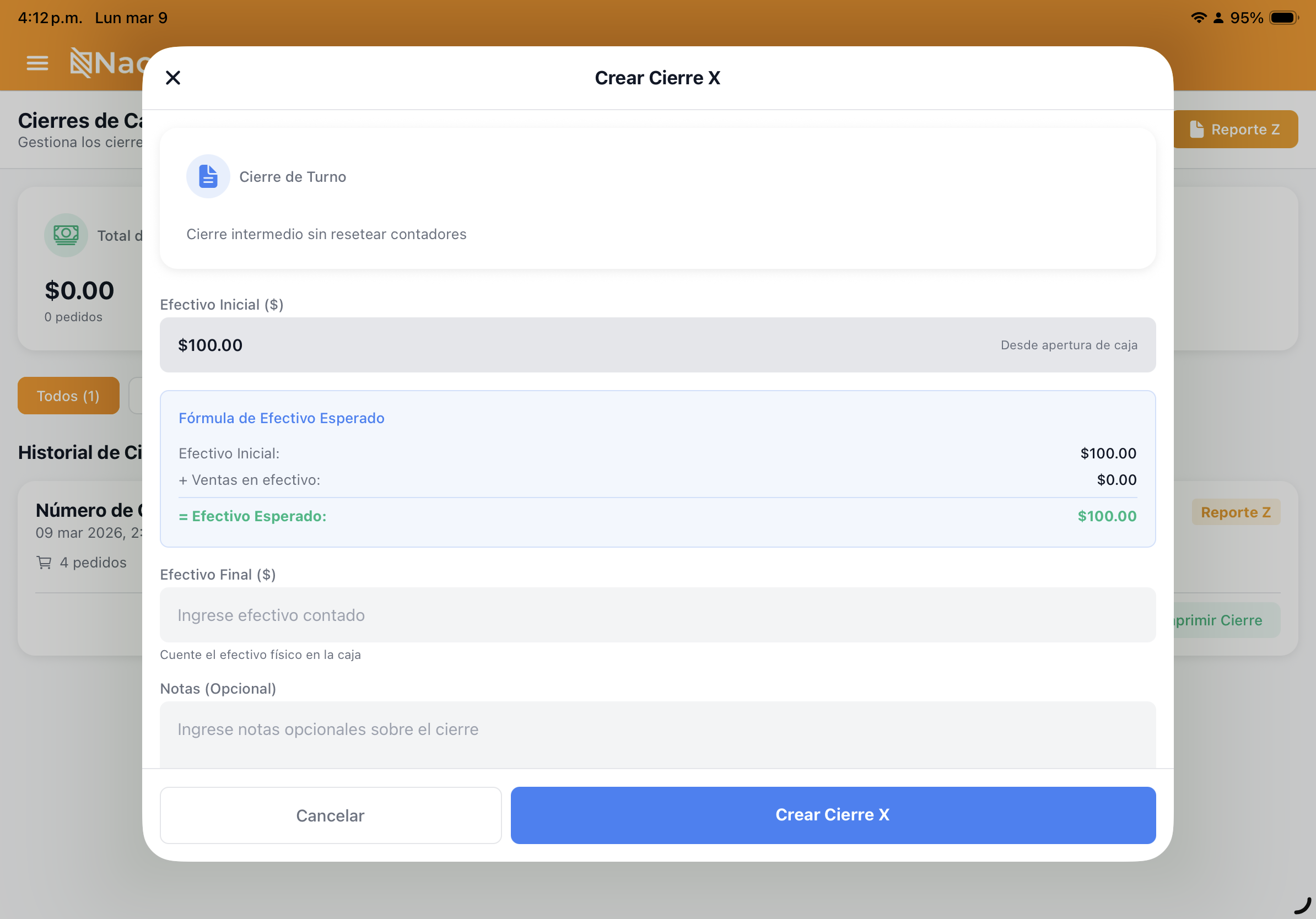
1. X Close (Partial/Informational)
The X Close is a snapshot report of the current register status at any point during the day.
- When to use it? At shift changes or for a quick audit.
- Impact: Does not lock the register. You can continue making sales after an X Close.
- Contents: Shows total sales by payment method (Cash, Card, Yappy) and accumulated ITBMS tax up to that point.
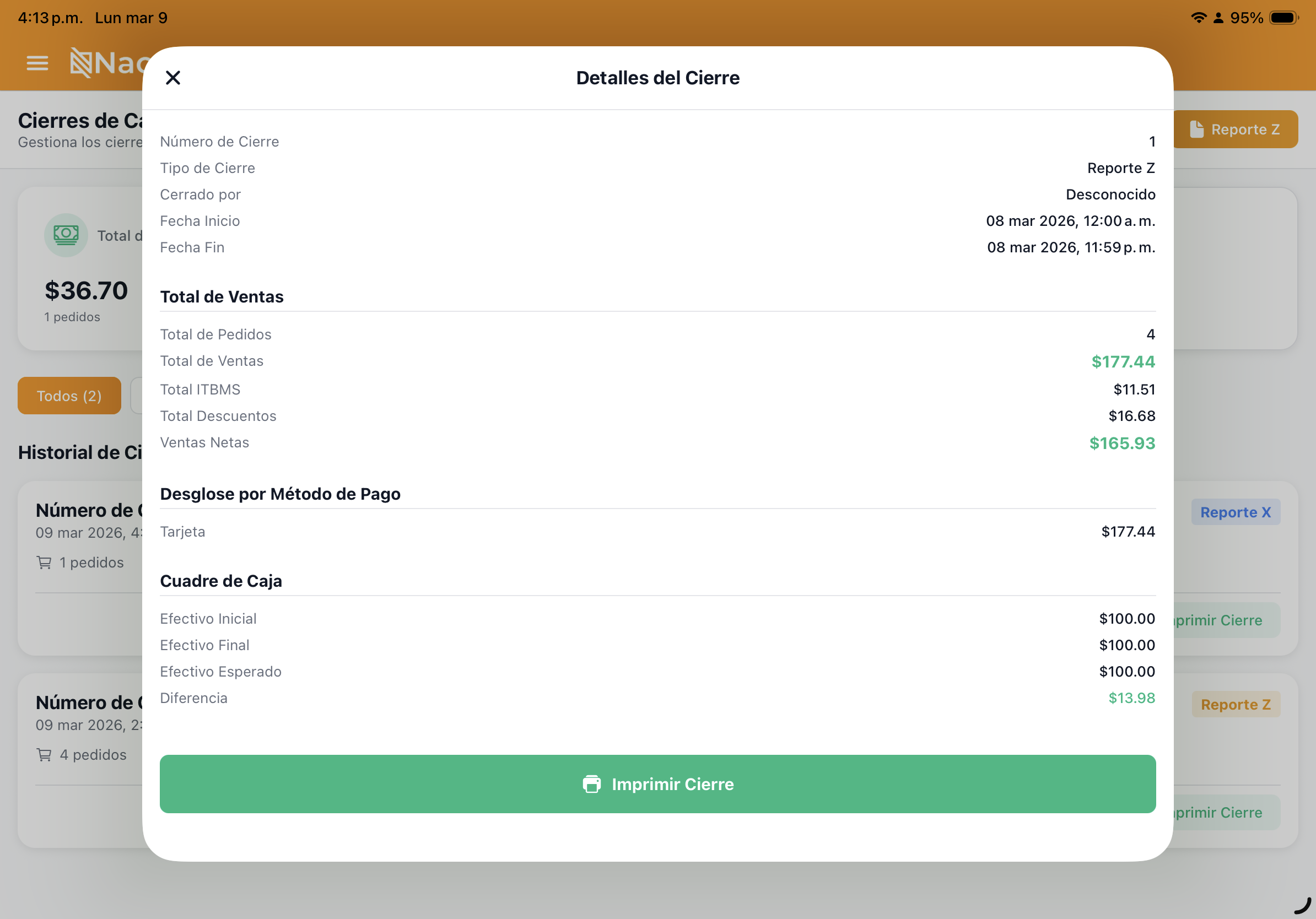
2. Z Close (Final/Fiscal)
The Z Close is the mandatory closing at the end of the business day.
- When to use it? Once per day, before shutting down the system.
- Impact: Locks the terminal. Once performed, no more sales can be made until the next day. A consolidated daily summary is submitted to the DGI.
- Requirement: There must be no open orders or occupied tables before running it.


Cash Count Process
When performing a closing (X or Z), the system will ask you to do a Cash Count:
- Manual Count: Count the physical cash in your drawer.
- Enter in NAOS: Type the total amount counted.
- Differences: The system will compare your count against recorded sales.
- Even: The physical cash matches the system.
- Short: There is less cash than expected based on sales.
- Over: There is more cash than recorded (possible change-making error).

Management Reports
From the Admin Portal, you can access detailed reports to analyze your business:
Sales Report by Period
Filter by date range (Day, Week, Month, or Custom Range) to see:
- Total gross and net revenue.
- Taxes collected (ITBMS 7%, 10%).
- Most used payment methods.
Top-Selling Products Report (ABC)
Identify which items generate the most revenue and which have low movement. This is essential for adjusting your inventory and promotions.
Invoice & Credit Note History
Look up any previously issued invoice, verify its DGI status (CUFE), and if needed, generate a Credit Note to legally void it.

DGI Fiscal Report (Dossier)
For your accountant, NAOS generates a consolidated monthly file that includes:
- A list of all Z Closings for the month.
- A summary of ITBMS by category.
- The history of documents accepted by the PAC (Aludra).
Have questions about voiding an invoice? See the Electronic Invoicing guide